2025/12/nextjs 的 鉴权实践
· One min read
Auth.js
Auth.js
Karavan 是 Apache Camel 生态中一款强大的低代码集成开发平台,它为云原生时代的系统集成提供了从设计到部署的一体化解决方案。本文将详细介绍 Karavan 的安装配置、功能特性以及实际使用体验。
Karavan 是基于 Apache Camel 的可视化集成开发环境,专门为现代云原生架构设计。它不仅仅是一个设计工具,更是一个完整的集成开发与部署平台,让开发者能够通过图形化界面快速构建、测试和部署 Camel 集成应用。
最快的方式是通过在线演示来体验 Karavan 的功能:
# 访问官方在线演示
# https://camel.apache.org/karavan/
优势:
# 确保已安装 Docker 和 Docker Compose
docker --version
docker-compose --version
# 从 Docker Hub 拉取 Karavan 镜像
docker pull apache/camel-karavan:latest
# 运行 Karavan 容器
docker run -d -p 8080:8080 --name karavan apache/camel-karavan:latest
# 打开浏览器访问
http://localhost:8080
git clone https://github.com/apache/camel-karavan.git
cd camel-karavan
# 使用 Maven 编译
mvn clean install
# 运行开发服务器
mvn spring-boot:run
# 开发环境通常运行在
http://localhost:8080
Karavan 提供了直观的可视化界面,让开发者能够通过拖拽组件来构建复杂的 Camel 路由:
# 示例:简单的文件处理路由
from("file:data/input")
  .process(new MyProcessor())
  .to("file:data/output");
设计器特性:
Karavan 独有的拓扑视图功能,让整个项目的集成结构一目了然:
┌─────────────────┐    ┌─────────────────┐
│  Integration A  │───▶│  Integration B  │
└─────────────────┘    └─────────────────┘
         │                      │
         ▼                      ▼
┌─────────────────┐    ┌─────────────────┐
│  Service X     │    │  Service Y     │
└─────────────────┘    └─────────────────┘
拓扑视图优势:
Karavan 支持多种运行时环境的配置:
# Kubernetes 配置示例
apiVersion: v1
kind: ConfigMap
metadata:
  name: karavan-config
data:
  application.properties: |
    camel.main.name=my-camel-app
    camel.springboot.main-run-controller=true
配置特性:
Karavan 提供了完整的 CI/CD 流水线支持:
# 自动构建 Docker 镜像
mvn package docker:build

# 部署到 Kubernetes
kubectl apply -f target/camel-app.yaml
部署特性:
创建第一个集成:
新建项目
- 点击 "Create New Project"
- 输入项目名称 "my-first-integration"
- 选择技术栈(Spring Boot 或 Quarkus)
设计路由
- 从组件库拖拽 "File" 组件
- 添加 "Processor" 处理节点
- 连接 "Log" 输出组件
配置参数
- 设置文件输入路径:file:input
- 配置输出路径:file:output
- 添加处理逻辑处理器
测试运行
- 点击 "Test" 按钮预览
- 实时查看日志输出
- 验证路由正确性
复杂路由设计:
# 多步骤数据处理路由
from("timer:tick?period=5000")
  .process(new DataEnricher())
  .to("log:info")
  .choice()
    .when(simple("${body.type} == 'A'"))
      .to("direct:processA")
    .when(simple("${body.type} == 'B'"))
      .to("direct:processB")
    .otherwise()
      .to("direct:default");
性能优化技巧:
项目共享:
1. 点击 "Share Project"
2. 生成分享链接或导出配置
3. 团队成员通过链接访问
版本控制:
1. 集成 Git 仓库
2. 自动提交设计变更
3. 支持分支管理和合并
相比传统开发方式:
容器化部署优势:
协作体验提升:
微服务集成:
数据流处理:
系统集成:
开发者类型:
组织规模:
入门难度:
- 基础使用:1-2 小时
- 熟练操作:1-2 周
- 深度应用:1-2 个月
前置知识要求:
| 特性维度 | Camel Karavan | Camel Kaoto |
|---|---|---|
| 核心定位 | 集成开发与部署平台 | 集成设计器 |
| 运行环境 | 深度支持容器化 | 通用运行时支持 |
| 部署能力 | 一体化容器化部署 | 需手动部署 |
| 拓扑视图 | 项目拓扑可视化 | 单路由设计 |
| 学习曲线 | 需要容器化知识 | IDE 环境熟悉即可 |
| 方面 | Karavan | 自定义编码 |
|---|---|---|
| 开发效率 | ⭐⭐⭐⭐⭐ | ⭐⭐⭐ |
| 代码质量 | ⭐⭐⭐⭐ | ⭐⭐⭐⭐⭐ |
| 维护成本 | ⭐⭐⭐ | ⭐⭐ |
| 部署速度 | ⭐⭐⭐⭐⭐ | ⭐⭐⭐ |
| 灵活性 | ⭐⭐⭐⭐ | ⭐⭐⭐⭐⭐ |
开发效率提升:
技术优势:
业务价值:
适合选择 Karavan 的场景:
不建议过度使用的场景:
功能演进趋势:
生态系统发展:
Apache Camel Karavan 让集成开发变得简单、高效、有趣! 🚀
无论是个人开发者还是团队组织,Karavan 都能为您提供强大的集成开发能力,帮助您快速构建现代化的云原生集成应用。立即开始您的低代码集成之旅吧!

博客正文内容
测试正文
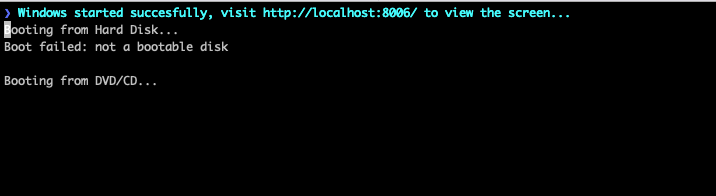
dockur/windows 是一个容器化的 win 项目
https://github.com/dockur/windows
特点✨ 多语言 ISO 下载器 KVM加速 基于 Web 的查看器
docker pull ghcr.io/dockur/windows:3.13
运行
docker run \
	-it --rm \
	-p 8006:8006  \
	--cap-add NET_ADMIN \
	-e VERSION='winxp' \
	-e KVM="N" \
	-e RAM_SIZE='1G' \
	--stop-timeout 120 \
	ghcr.io/dockur/windows:3.13
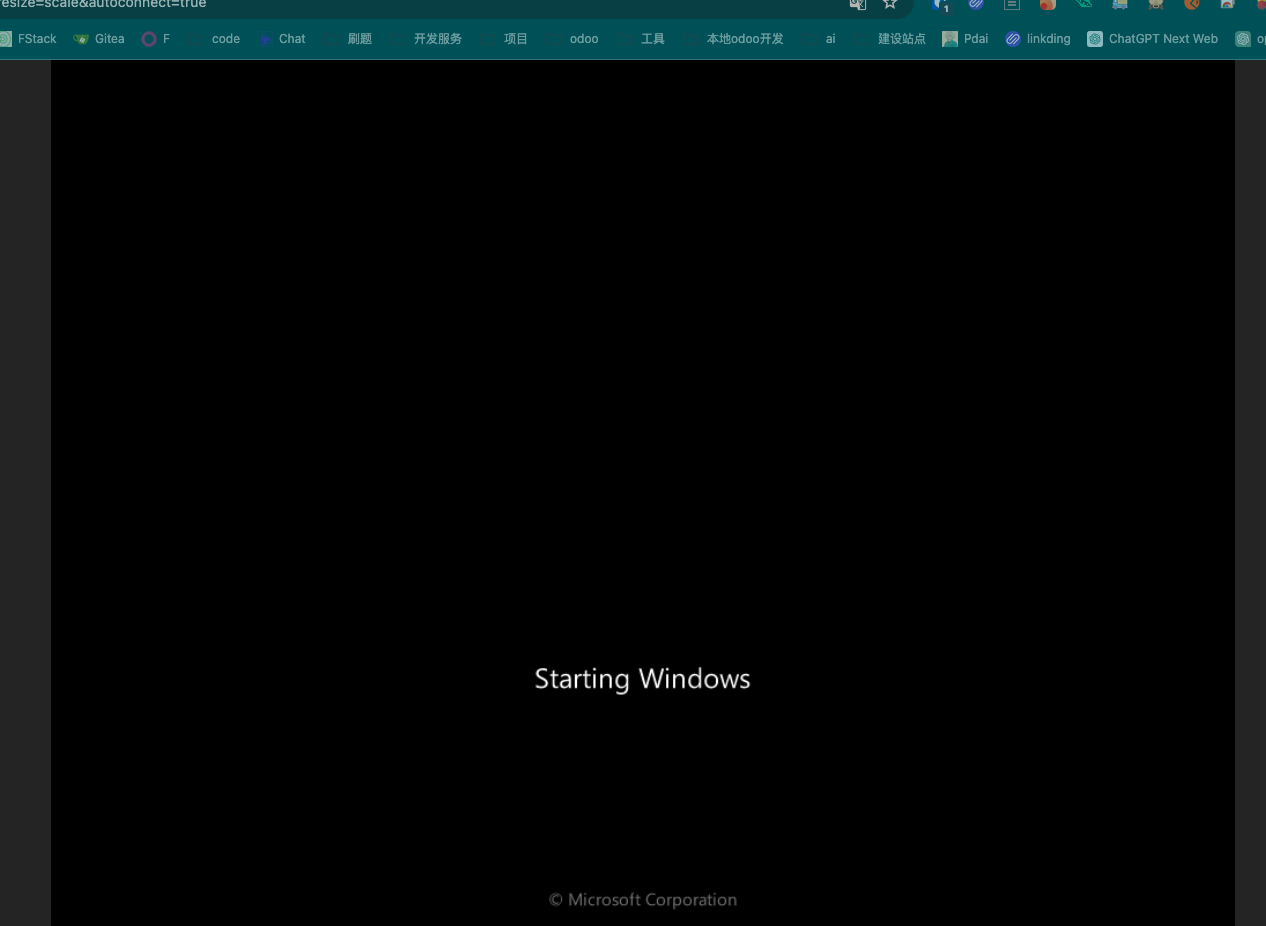
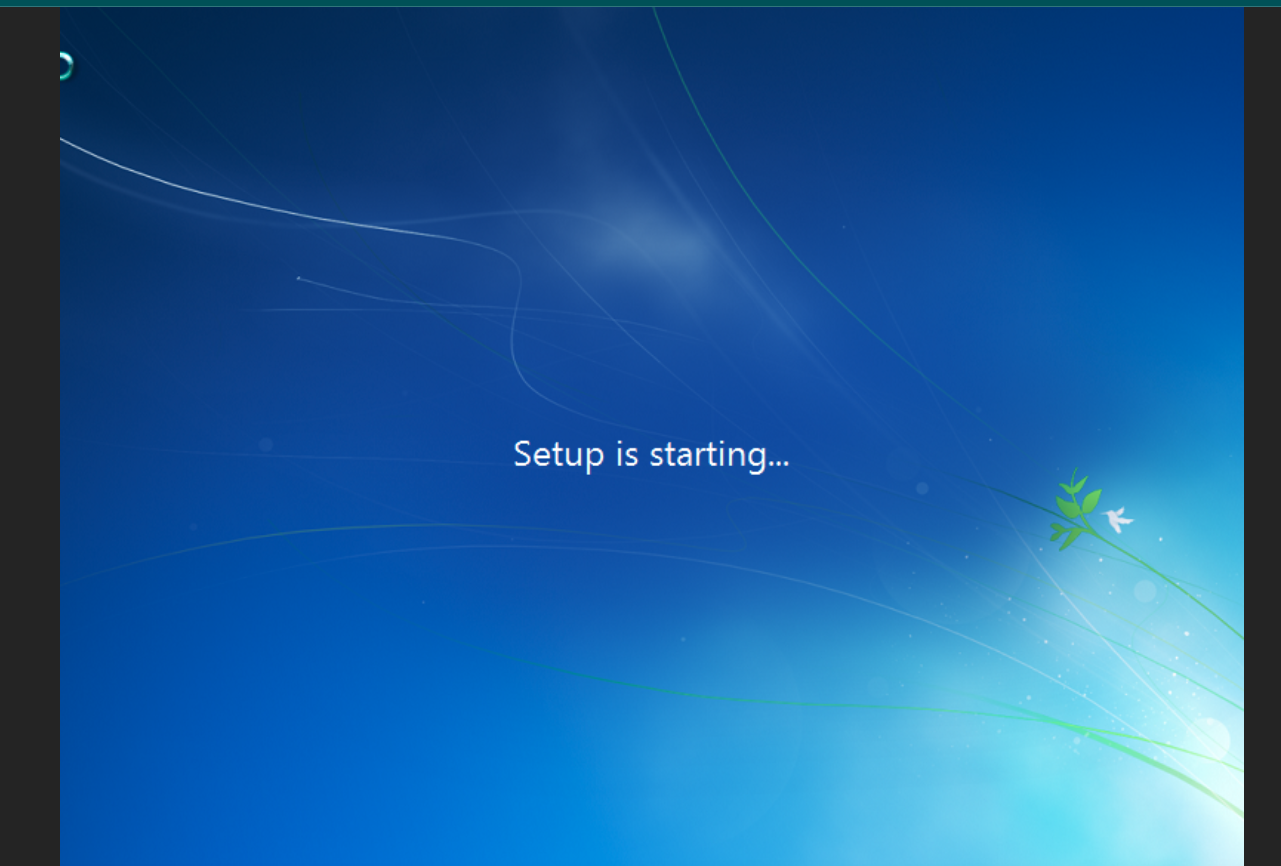
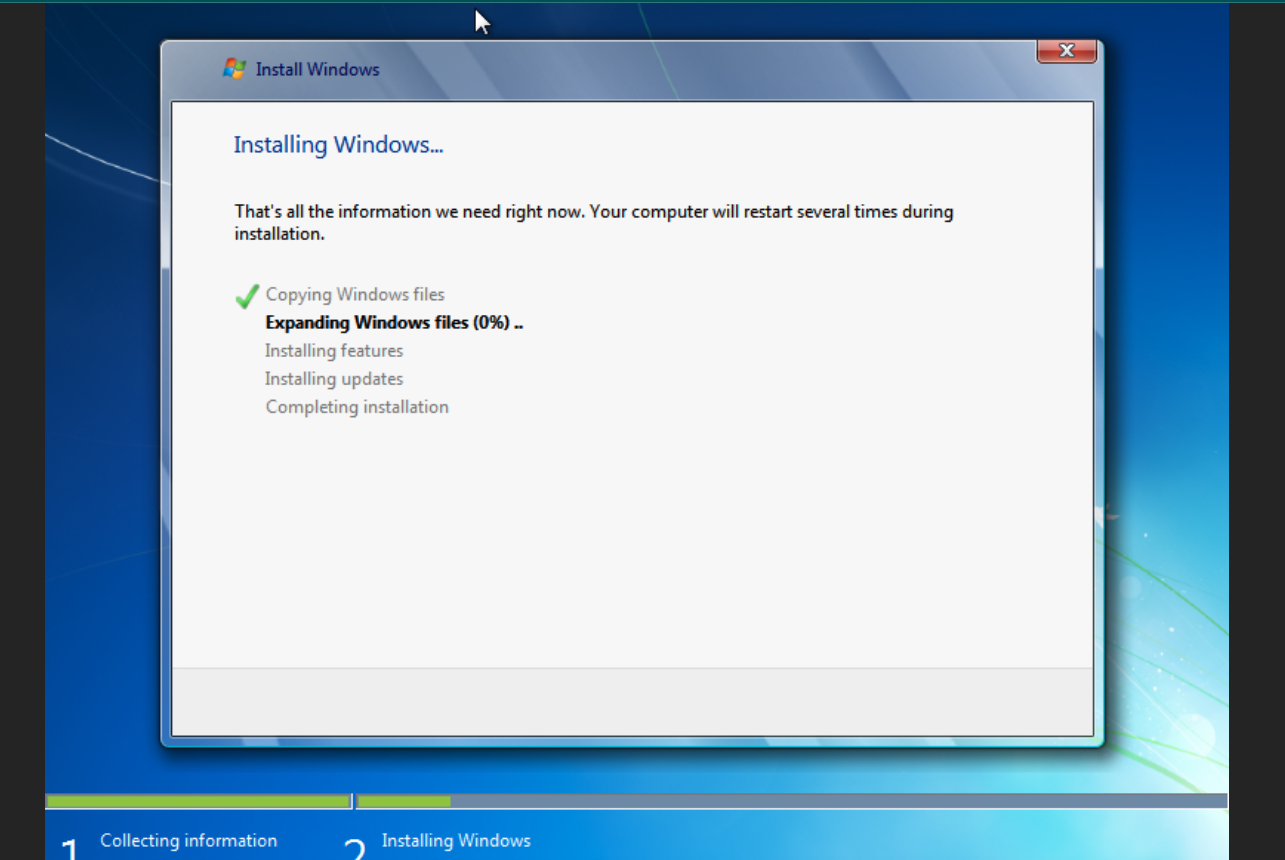
http://127.0.0.1:8006/?resize=scale&autoconnect=true
他这个 本身使用的事 vnc 技术
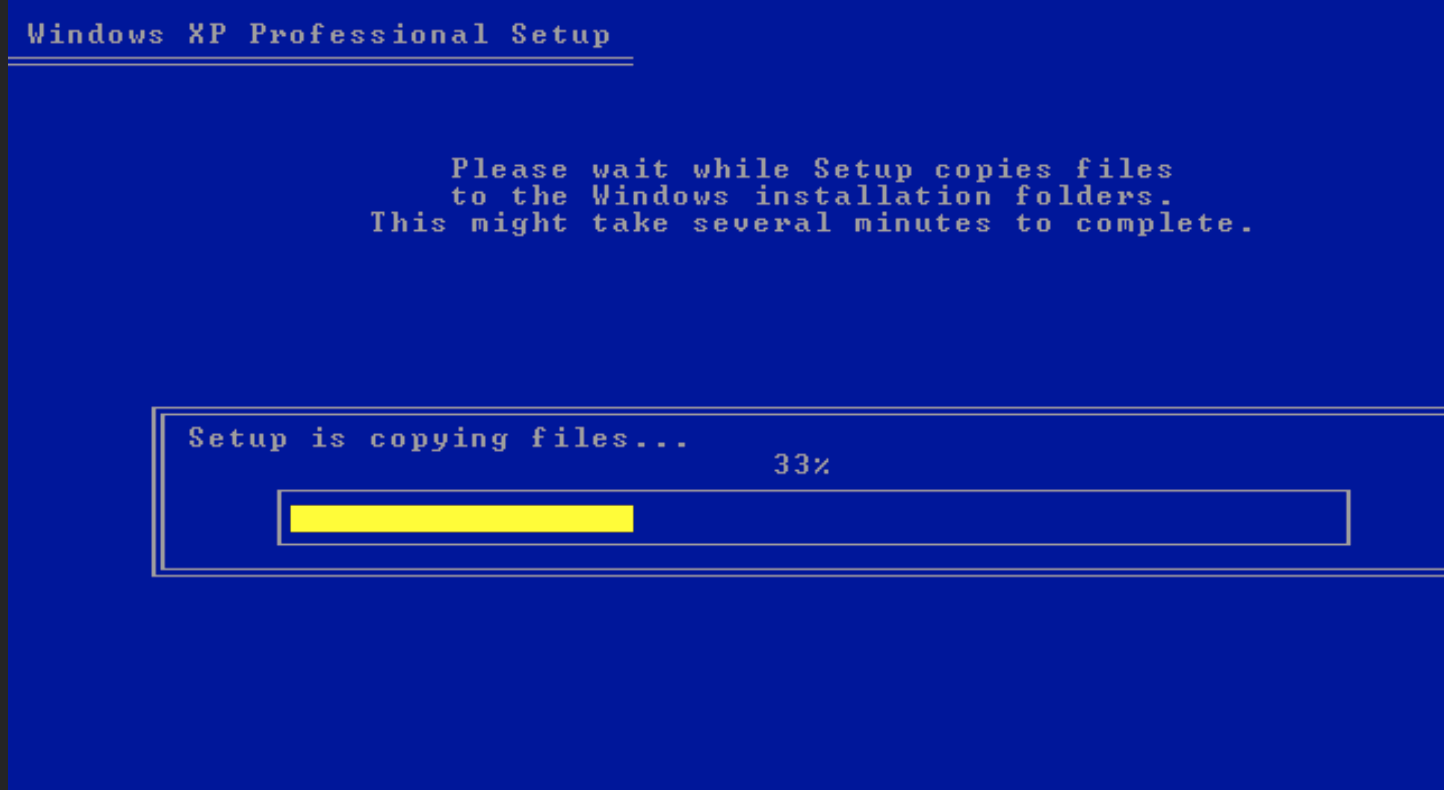
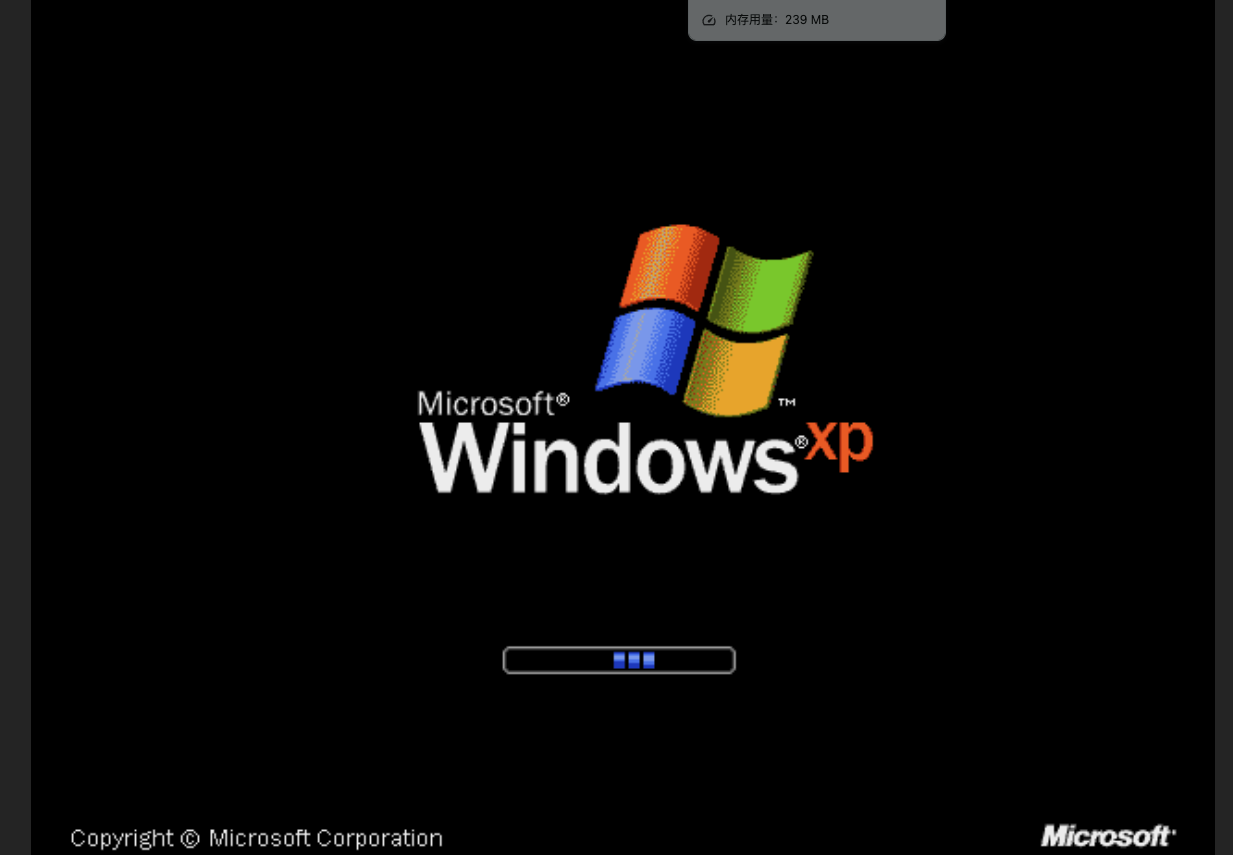

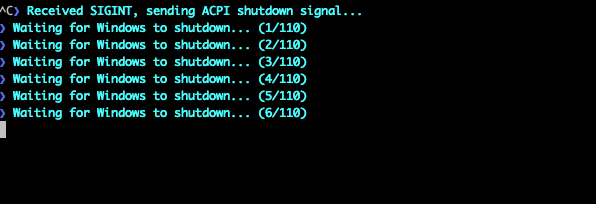
docker commit b46f8da3f4f4 registry.dafengstudio.cn/windows:xp
docker push  registry.dafengstudio.cn/windows:xp
win7
docker commit bce2411bd9a4 registry.dafengstudio.cn/windows:win7
docker push  registry.dafengstudio.cn/windows:win7
Bitwarden 是一款开源的密码管理工具,提供跨平台的密码管理解决方案。用户可以安全地存储敏感信息,如密码、信用卡信息和笔记,并通过加密保护这些信息。Bitwarden 支持自动填充密码、生成强密码、共享安全信息等功能,同时提供浏览器插件、移动应用和桌面应用,方便用户在不同设备上访问和管理密码。Bitwarden 的安全性建立在端到端加密和零知识架构之上,确保用户的数据得到最高级别的保护。
注意 最近 docker 被强 自己找加速器 下载后 再推到私有
docker pull hub.uuuadc.top/bitwarden/server
docker image tag hub.uuuadc.top/bitwarden/server:latest registry.dafengstudio.cn/bitwarden/server:
docker push registry.dafengstudio.cn/bitwarden/server:latest
挂载目录
WORKDIR /opt/bitwarden
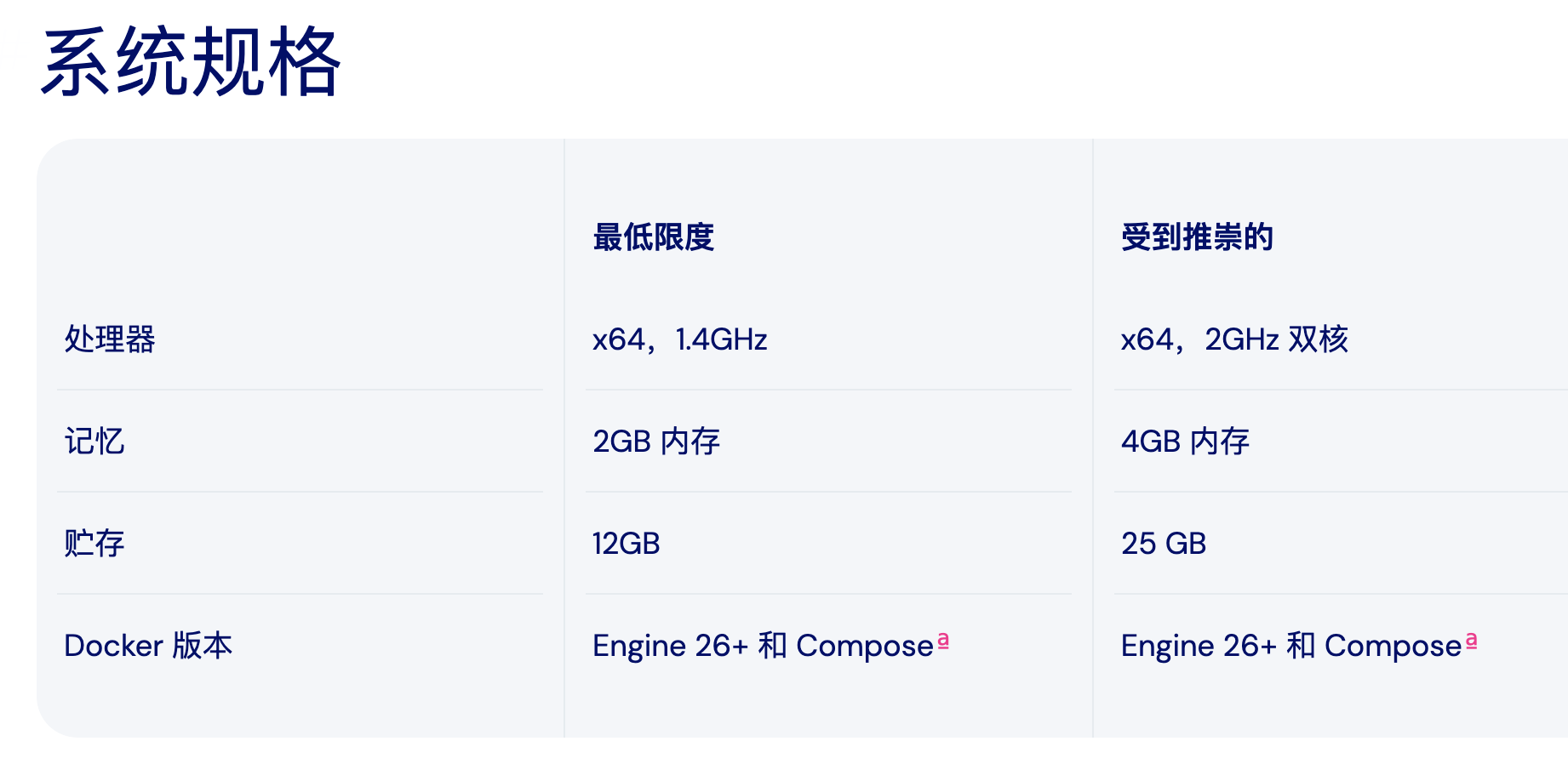
admin token 生成
https://github.com/dani-garcia/vaultwarden/wiki/Enabling-admin-page#secure-the-admin_token
docker exec -it bitwarden-server /vaultwarden hash
run
docker stop bitwarden-server|true
docker rm bitwarden-server
docker run \
	--name bitwarden-server \
	 -d \
	--restart=always \
	-e WEBSOCKET_ENABLED=true \
	-e SIGNUPS_ALLOWED=false \
	-e I_REALLY_WANT_VOLATILE_STORAGE=true \
	-e  ADMIN_TOKEN='$argon2id$v=19$m=65540,t=3,p=4$UhMyL86++kz+P9BmkHYFB8DmflBNrWnkcrAYRYTCR4c$YGSGH494PLQkXyiRJ9wFfeXbQREPwsZsmJArEQqKtlg' \
	  -p 3013:80 \
	  -p 3012:3012 \
    -v /volume1/docker/foldspace-apps/bitwarden:/data/ \
    registry.dafengstudio.cn/vaultwarden/server:latest
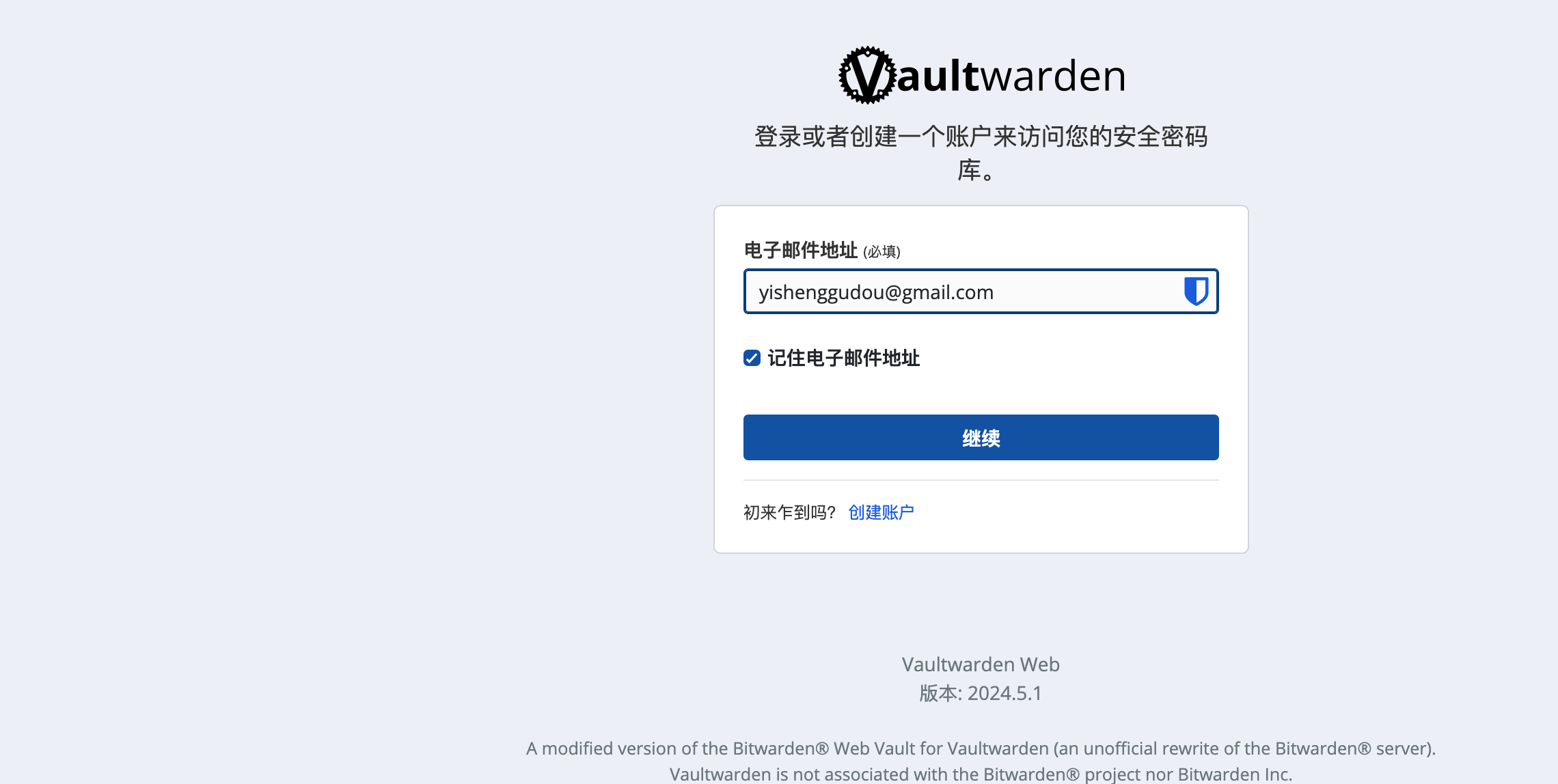
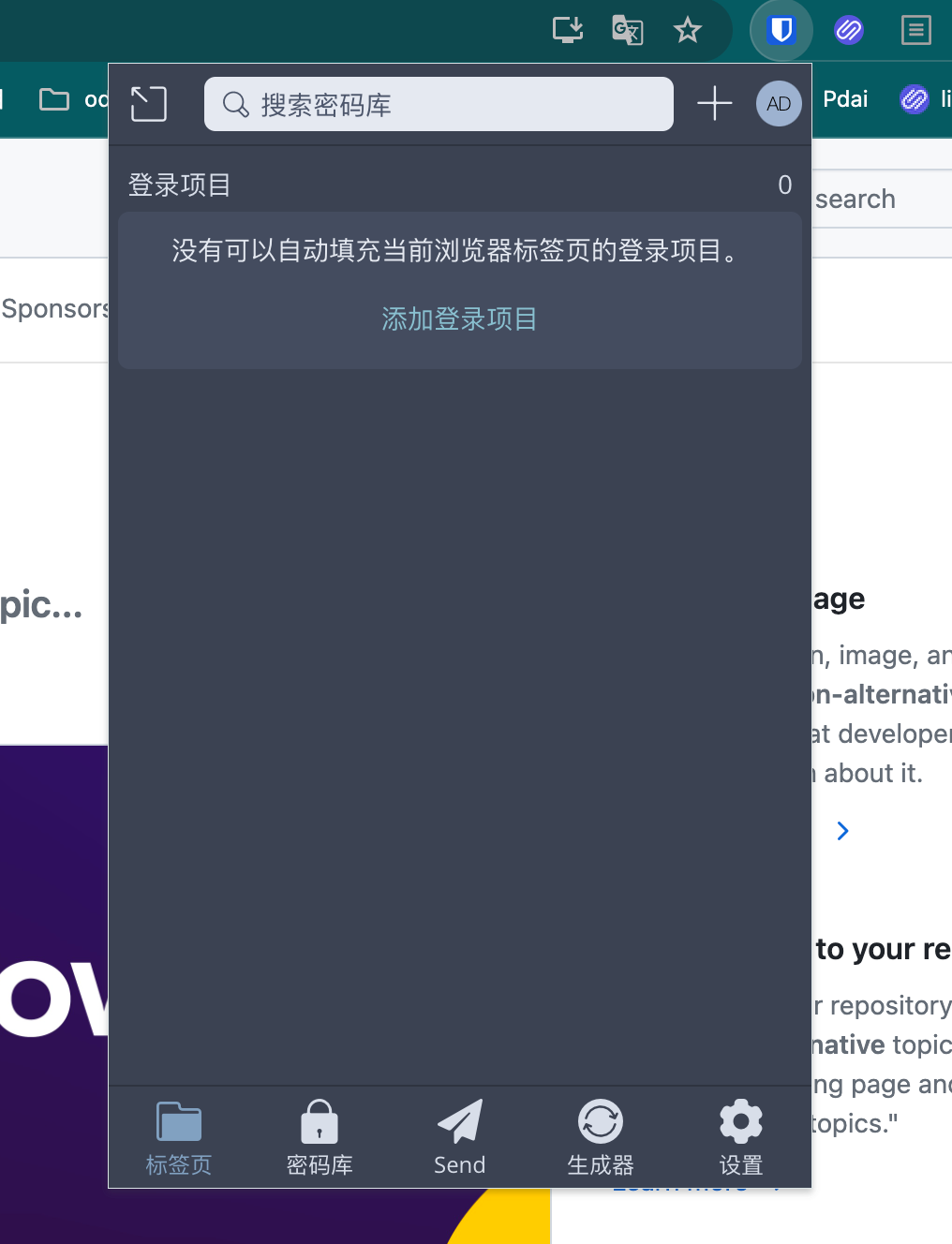
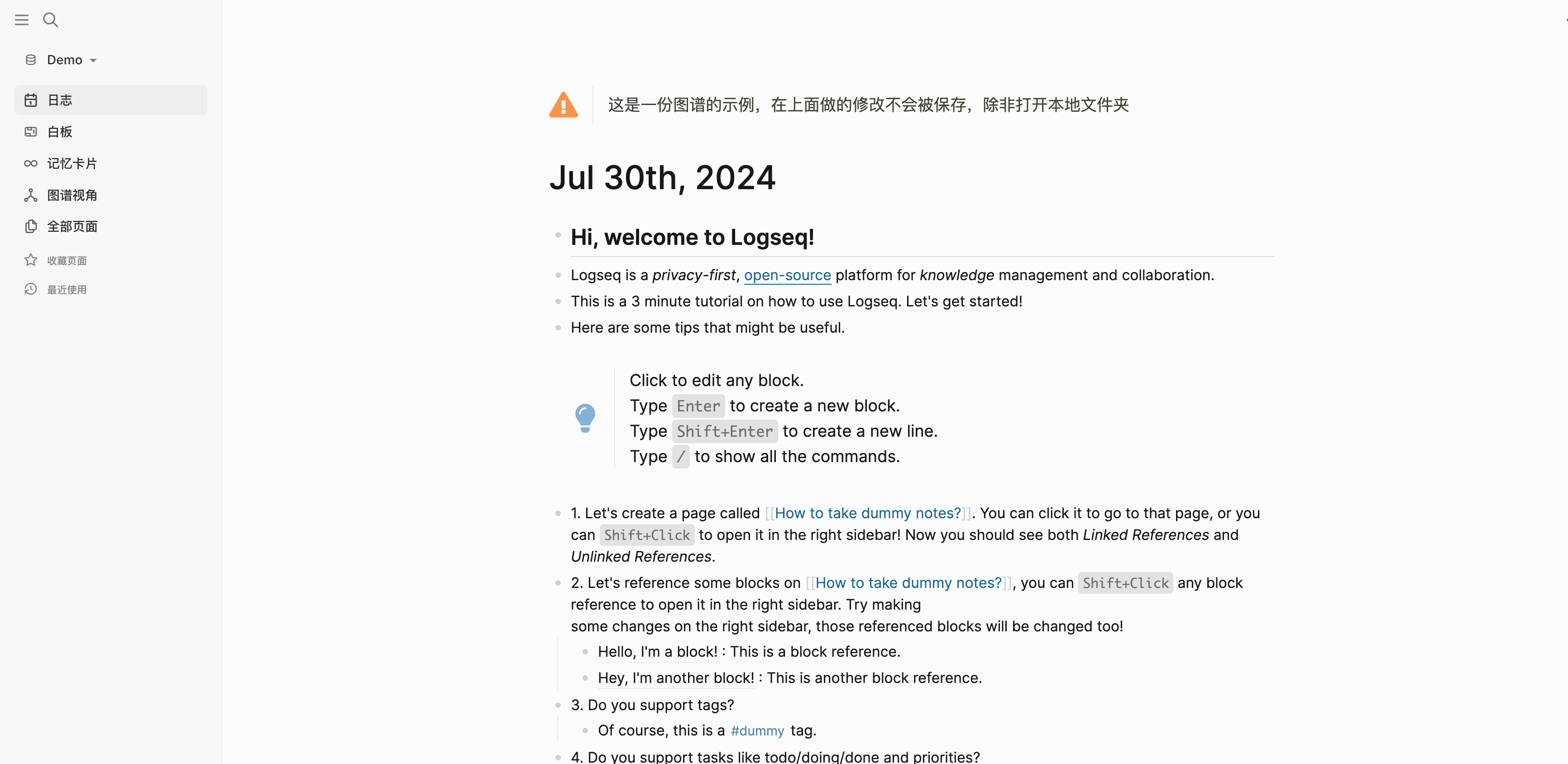
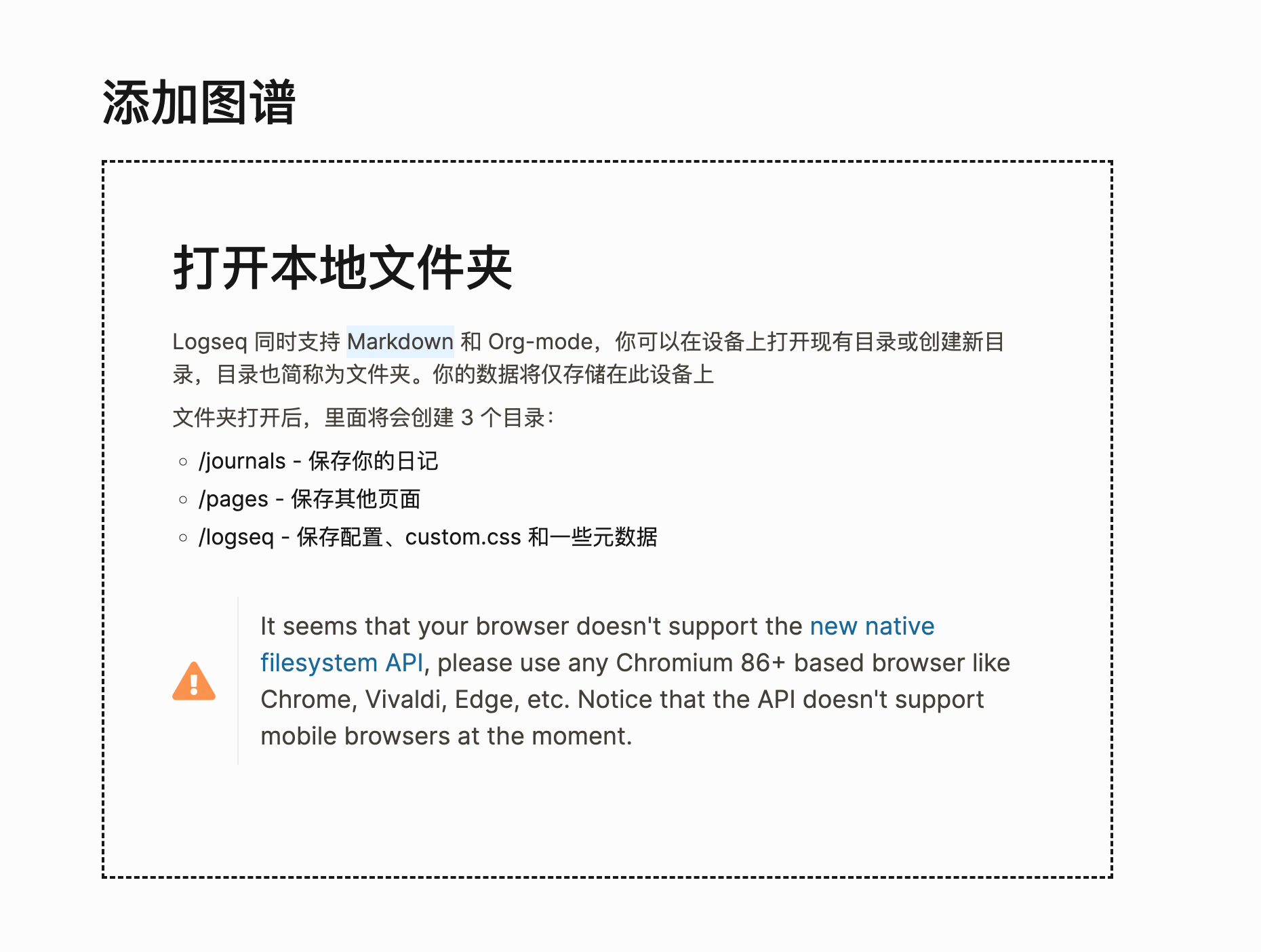
Logseq是一个知识管理和协作平台。它专注于隐私**、持久性和用户控制。Logseq 提供了一系列强大的知识管理**、协作、PDF 注释和任务管理****工具,支持多种文件格式,包括Markdown和Org-mode,以及用于组织和构建笔记的各种功能。
Logseq 的白板功能可让您使用带有形状、绘图、网站嵌入和连接器的空间****画布来组织您的知识和想法。您可以直观地分组和链接您的笔记和外部媒体(例如视频和图像),使视觉思考者能够以新的方式撰写、重新混合、注释和连接来自其知识库和新兴想法的内容。
除了核心功能外,Logseq 还拥有不断壮大的插件和主题生态系统,可实现各种工作流程和自定义选项。还提供移动应用程序,可访问桌面应用程序的大多数功能。无论您是学生、专业人士,还是任何重视以清晰、有条理的方式管理想法和笔记的人,Logseq 都是任何希望提高工作效率和简化工作流程的人的绝佳选择。
https://github.com/logseq/logseq
在 nas 上执行
Status: Downloaded newer image for registry.dafengstudio.cn/logseq/logseq-webapp:latest
registry.dafengstudio.cn/logseq/logseq-webapp:latest
ash-4.3# docker pull registry.dafengstudio.cn/bitwarden/server:latest
latest: Pulling from bitwarden/server
efc2b5ad9eec: Downloading [===========================>                       ]  16.22MB/29.13MB
66b672aaa3a6: Downloading [=======================>                           ]   8.65MB/18.71MB
3d7d086377ca: Download complete
030dfb09a3db: Downloading [===============================>                   ]  20.32MB/32.24MB
75cceec2ae3f: Waiting
2fe3f9fcc07a: Waiting
5005e22762b0: Waiting
注意 最近 docker 被强 自己找加速器 下载后 再推到私有
docker pull hub.uuuadc.top/bitwarden/server
docker image tag hub.uuuadc.top/bitwarden/server:latest registry.dafengstudio.cn/bitwarden/server:
docker push registry.dafengstudio.cn/bitwarden/server:latest
挂载目录
WORKDIR /data
docker run --name tream-logseq  \
	-it -d \
	--restart=always \
    -p 3001:80 \
    -v /volume1/docker/foldspace-apps/tream-logseq/:/data \
    registry.dafengstudio.cn/logseq/logseq-webapp:latest